Claude
cloudAnthropic — the heavy lifter for building & reviewing.
TransistorKit is a macOS studio that turns a one-line brief into real, native apps. An orchestrated fleet of coding agents builds each platform in parallel, generates the art, sounds, music and runs it on your devices so you can steer in plain English.
The same idea fans out to phones, desktops, TVs, the web, your server, retro consoles, and bare-metal hardware.
Every model plugs into the same harness. Route each role independently: keep the planner on-device and free, send the builder to a heavy cloud model, or stay fully local.
Anthropic — the heavy lifter for building & reviewing.
OpenAI's coding model, via the Codex CLI.
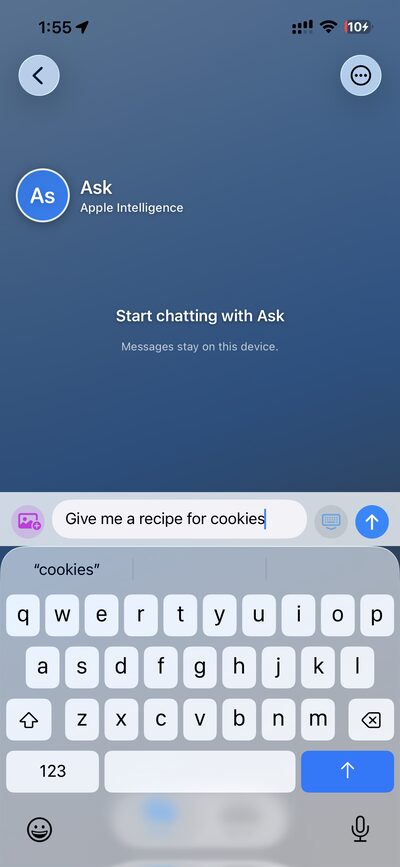
On-device. No keys, no network, no quota — great for planning.
Run Qwen-Coder, DeepSeek-Coder and friends locally on Apple Silicon.
xAI — another cloud option in the same harness.
One key, hundreds of models (GPT, Gemini, Llama, DeepSeek…) through a single gateway.
Bring your own keys (or none) and TransistorKit fills your project with assets — images, voices, music, and 3D — generated in-app and dropped straight into the build.
gpt-image / DALL·E for app art, icons, and illustrations.
ImagesGrok Imagine — another image generator in the same gallery.
ImagesImage Playground, on-device. No key, no quota — also renders Playground app icons.
ImagesLifelike voices, plus generated music and sound effects.
Voice & audioText-to-3D — turn a prompt into a usable 3D model.
3D modelsDesign, build, fill with assets, preview, collaborate, and ship — and a lot more, all in one place.
Roll back a project to any point, spin up a new branch to try something risky, and merge back to main — all from inside TransistorKit. Version control without leaving the app or memorizing a single command.
Live screenshots and debug info stream from your running app — all cloud-based, so TransistorKit always knows exactly what's on screen.
Music, sounds, voices, 3D objects, textures, and images — every asset your app needs, organized in one place.
Per-slot AI art via gpt-image, Grok, or Apple Intelligence.
Text-to-3D models with Meshy, dropped straight into your scene.
Code-generated visuals — no flat placeholder art.
Beautiful generative soundtracks.
Draw and tweak sprites right inside the app.
Branching dialog trees with ElevenLabs voice generation.
Real 3D on every platform that supports it.
NES, Game Boy, Sega — with editors for NES nametables, tile sets, and sprites.
Type an idea, get a working app in about a minute — on your phone or in the browser.
Collaborate as a team and steer your builds on the go.
Show your work to clients, built right into the app.
Run iOS, Android, even NES emulators from your phone.
…and more.
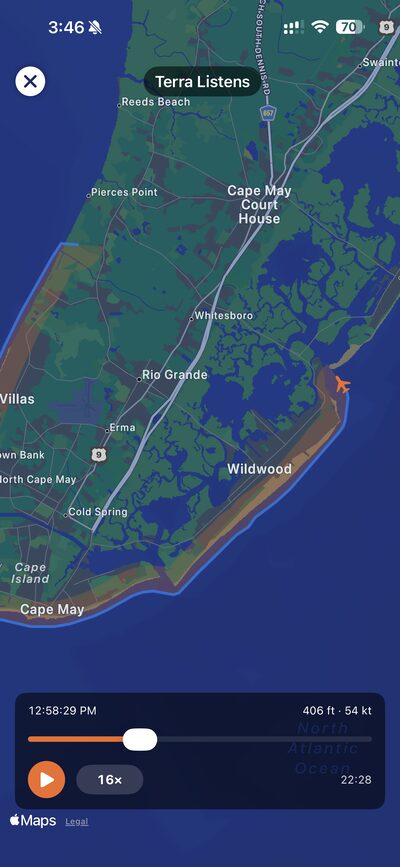
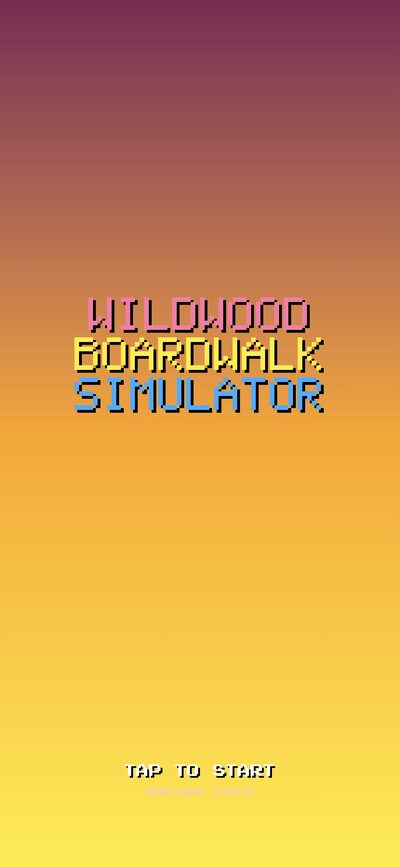
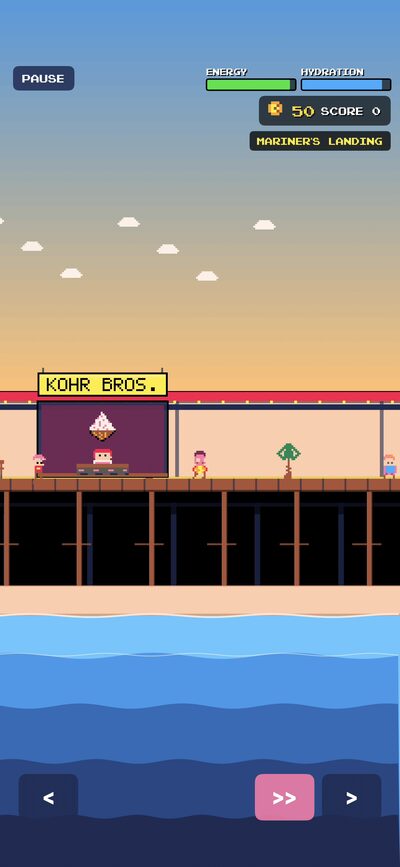
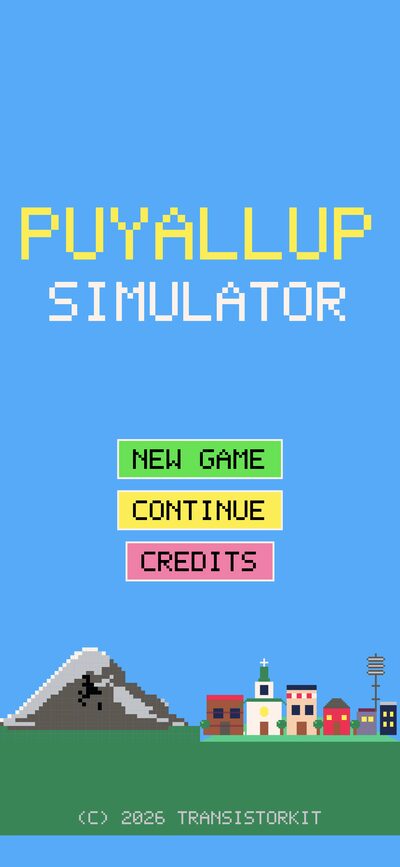
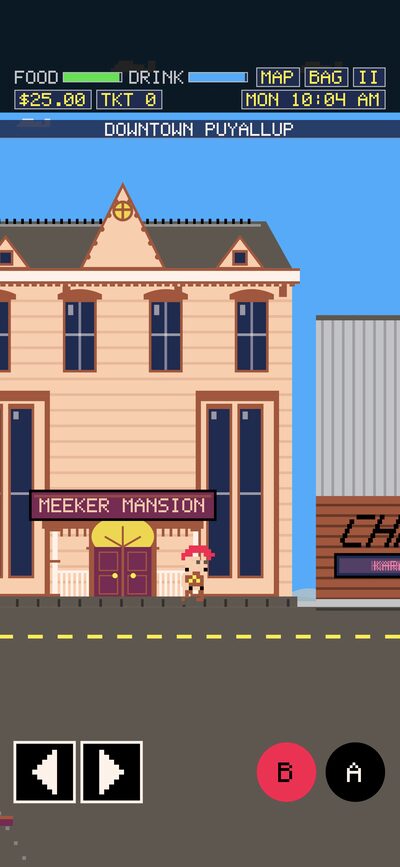
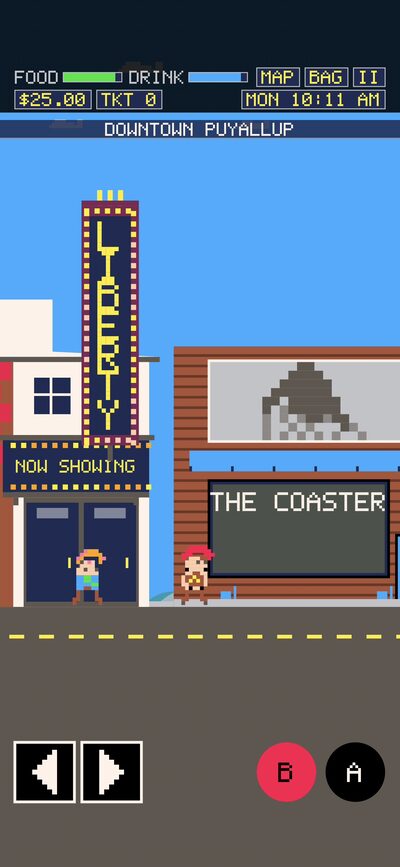
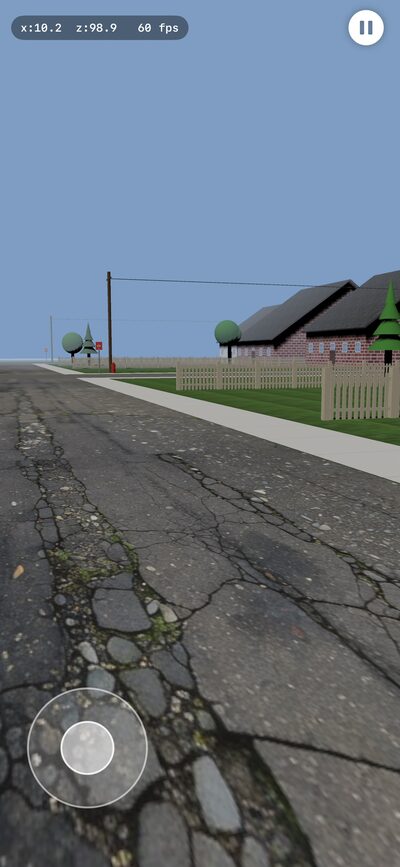
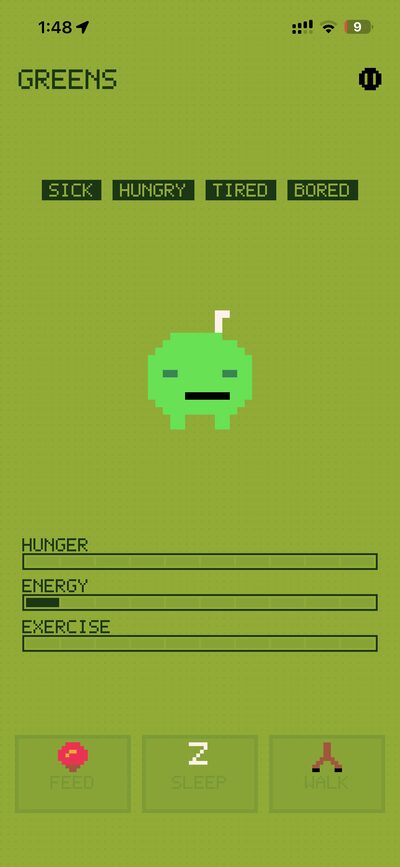
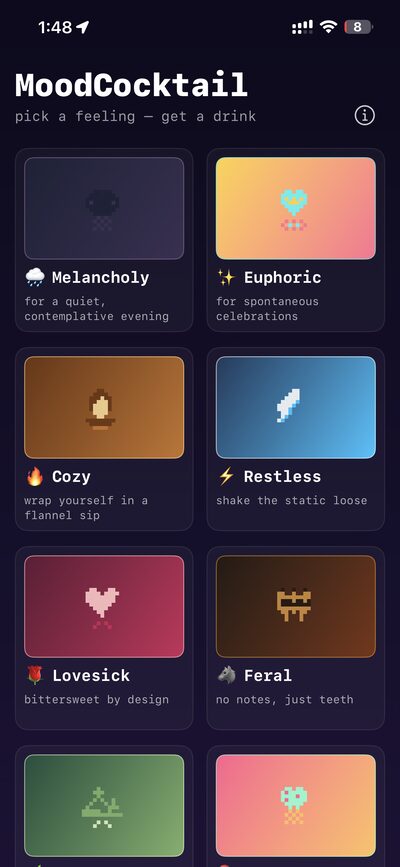
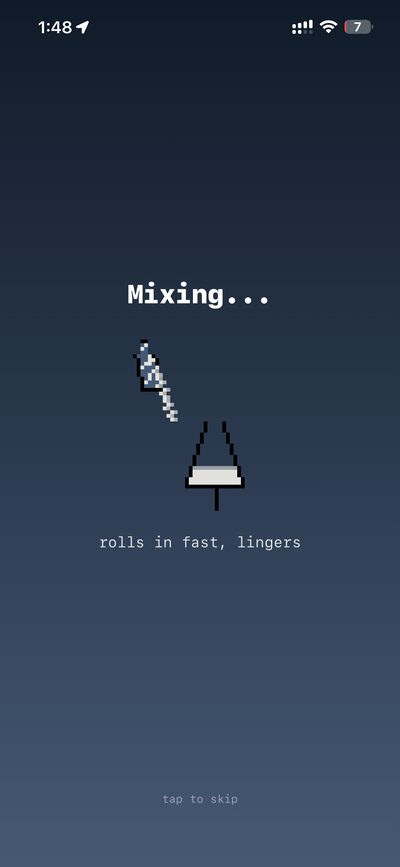
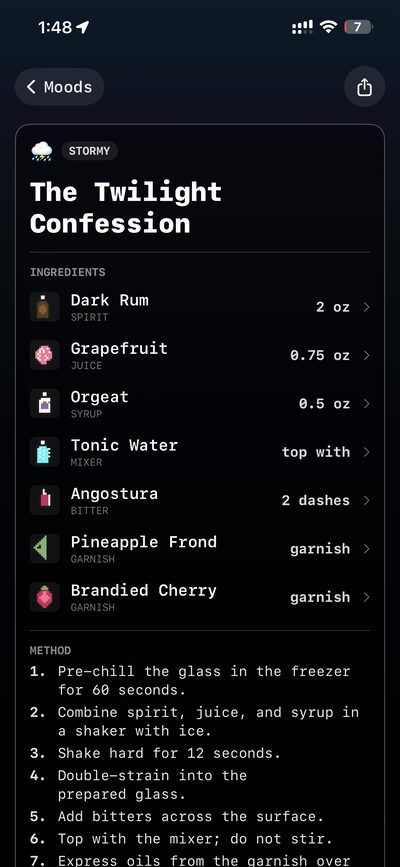
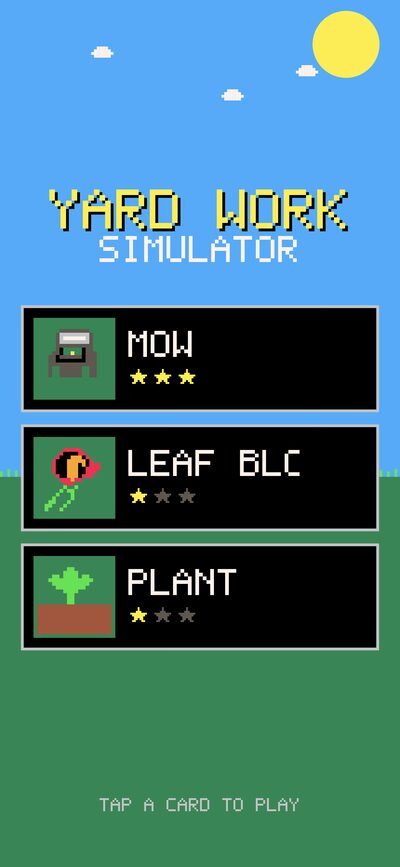
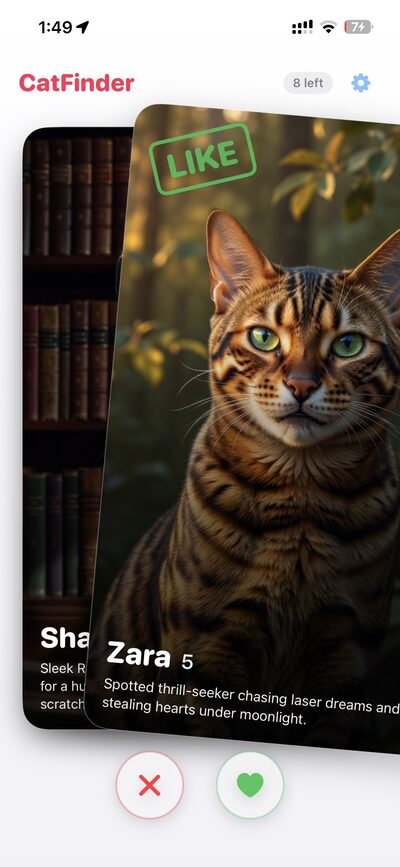
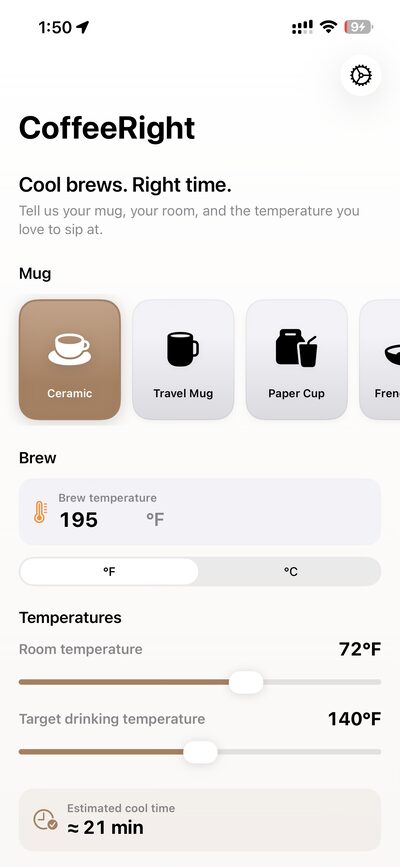
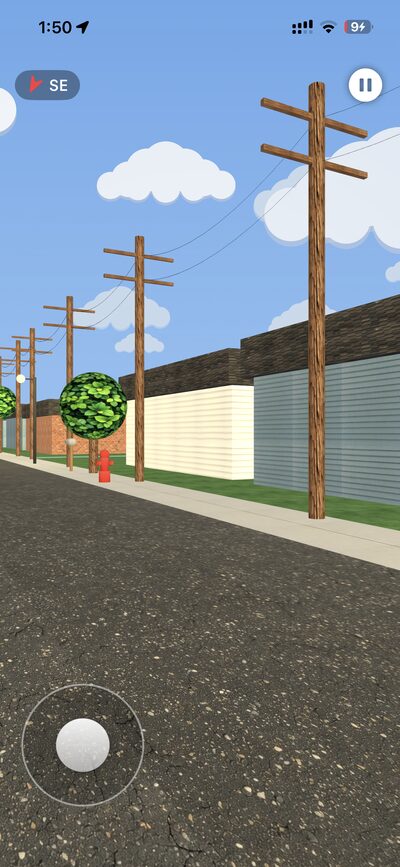
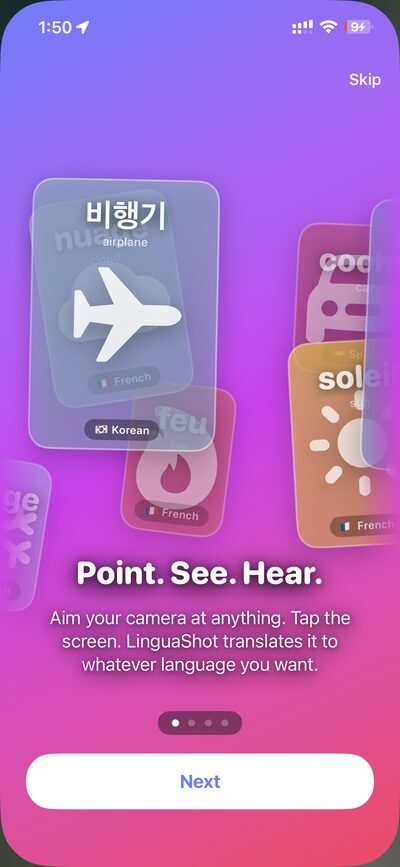
A single sentence in, real native apps out. Here's a sampler of what people have shipped from one brief — click any card for a closer look.
TransistorKit was written in TransistorKit. It automatically writes itself, and lets its creators watch it improve itself — we review its internal code changes as it makes them. This entire website was written by TransistorKit too, as it describes itself. Yes. It's quite meta.
TransistorKit builds native for each platform below — and the TransistorRemote Bridge reports back from the running app. Here's the stack, the toolchain, and exactly what the bridge can do on each.
Input injection needs macOS Accessibility (TCC) permission.
Input is driven through DOM events / a headless driver rather than the OS.
Headless service — observed by log stream and HTTP probes.
Logs come from the emulator trace; input is emulated controller state.
Logs and input are provided by the emulator.
Logs and input are provided by the emulator.
Logs and input are provided by the emulator.
Logs and input are provided by the emulator.
Screenshot only when the board drives a display; physical inputs aren't injectable.
Serial-only board — observed through the serial monitor.
Screenshot only with an attached display; inputs aren't injectable.
Screenshot only for designs that output video; no input injection.
Screenshot only for designs that output video; no input injection.
“Screenshot” is a terminal-output snapshot; input is piped through stdin.
The fastest way in — on your iPhone or right in the browser at app.transistorkit.com/play. Describe an app, and a working version appears in about a minute, live and tappable. Tweak it in plain English, save it, and it follows you across devices.